Added by Raphael Leutenegger about 1 month ago
I have two questions about the Openproject configuration.
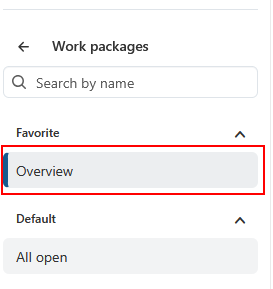
When I click on work packages in a project, it open the “All open” page. Can I customize this view for all users, or is there a way to open the configured “Overview” directly when I click on Work Packages?
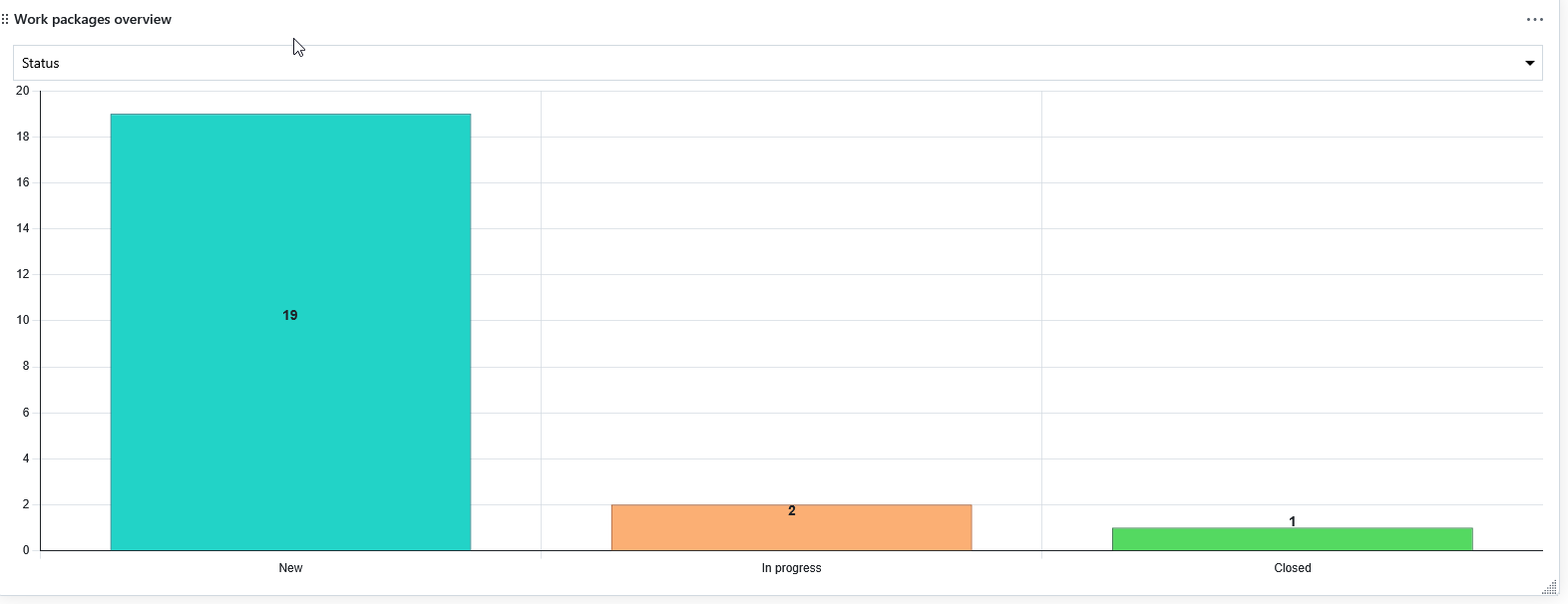
Can work packages overwiew be filtered by time?
Many thanks
Replies (3)
Hello Raphael,
both your image links seem to be broken but from your first sentence, it seems like you are looking for this feature request:
I added a vote there on your behalf.
When it comes to work package filters, there are quite a few time related options like start date, duration or finish date.
Best
Alexander
Hi Alexander
Great! Thanks for adding my vote for the first point.
The second point was the work package overview. Can I apply a time filter (start date and end date) to the status overview? Then I could check how many points were closed in the last month, for example. That would also be a nice feature! Thanks for the answer!

Regards Raphael
Hello Raphael,
The Work Packages Overview widget cannot be altered in this way. However, the Work Packages Graph widget can be configured in this way. It includes additional filter options. You can apply the necessary filters and give this widget an appropriate name, such as 'Closed in the last 30 days'.
If you are using the Enterprise Edition, I would recommend adding a work package table and using baseline comparison instead[1]. This feature is designed specifically for your use case and provides an overview of all relevant changes within a given timeframe.
Best
Alexander
[1] https://www.openproject.org/docs/user-guide/work-packages/baseline-comparison/#baseline-comparison